How to Reset 2011 Toyota Camry Maintenance Light: Easy Guide
You’re driving your trusty 2011 Toyota Camry when a small, nagging light pops up on your dashboard: the maintenance light. It’s easy to ignore, but you know you shouldn’t.
Resetting this light is not just about keeping your dashboard tidy; it’s about ensuring your car runs smoothly and efficiently. But how do you reset it without the hassle of a trip to the mechanic? In this guide, I’ll show you how you can reset your 2011 Toyota Camry’s maintenance light quickly and easily.
You’ll discover a simple technique that will save you time and give you peace of mind, knowing your car is in top shape. Stick around, because this small step can make a big difference in your car’s performance and longevity. Plus, you’ll feel like a car-savvy pro in no time!
Credit: www.capitalone.com
Preparation Steps
Ensure the vehicle is parked and the ignition is off. Hold the odometer reset button, then turn the key to the “on” position. Keep pressing until the maintenance light resets.
Resetting the maintenance light on your 2011 Toyota Camry might seem daunting at first, but with a little preparation, it’s a task you can easily accomplish. Before diving into the process, it’s essential to ensure you have everything ready. These preparation steps are crucial for a smooth and successful reset, helping you avoid any hiccups along the way.Gather Necessary Tools
The beauty of resetting the maintenance light on your Camry is that it doesn’t require any complicated tools. In fact, all you need is your car key and a little patience. Ensure you have your car’s manual handy, just in case you need to refer to it for any specific instructions. A notebook can be helpful to jot down any important points or observations. Keep a pen nearby—you never know when you might need to make a quick note.Ensure Vehicle Is Off
Before starting the reset process, confirm that your vehicle is completely off. This means the engine should not be running, and the ignition should be in the “OFF” position. It’s a simple yet vital step to ensure your safety and the effectiveness of the reset process. Have you ever tried to reset a device while it was still powered on? It’s frustrating, right? The same principle applies here. Ensuring your vehicle is off prevents any unintended electrical issues. Are you ready to dive into the reset process with confidence? Following these preparation steps ensures you’re fully equipped to tackle the task ahead. Remember, preparation is the key to success, and soon enough, your maintenance light will be a thing of the past.Locate The Odometer Button
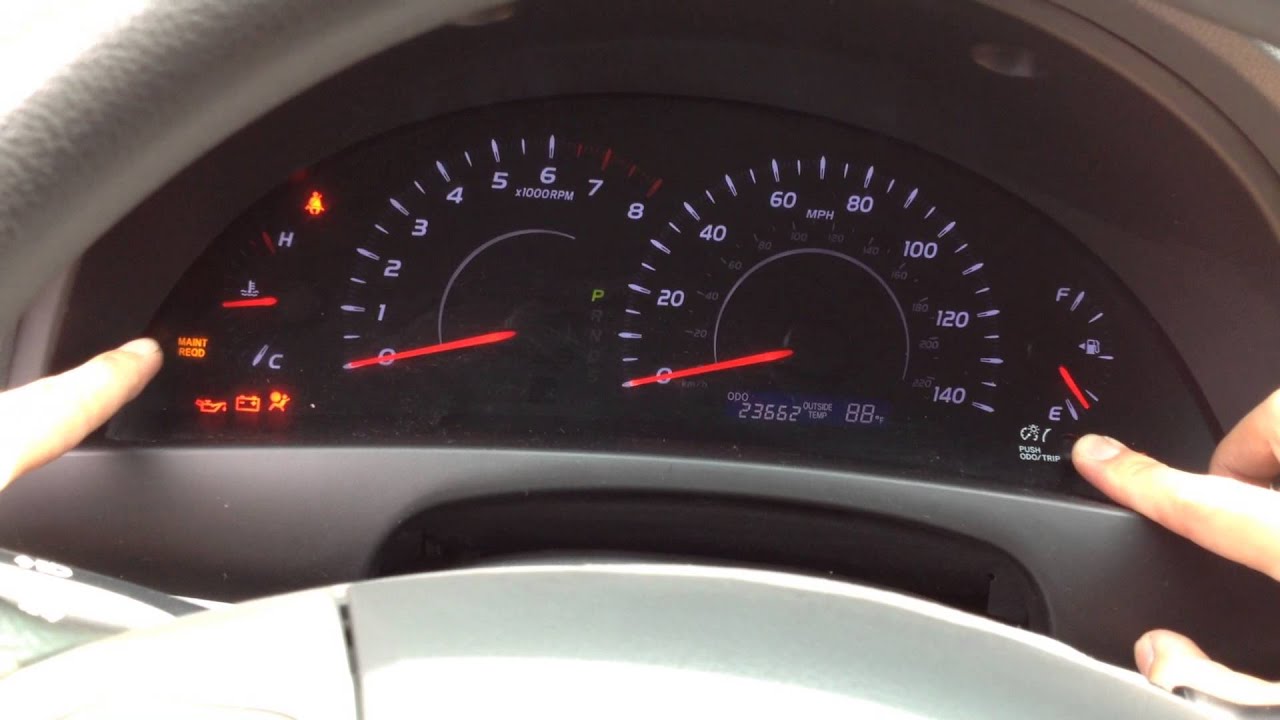
Resetting the maintenance light on your 2011 Toyota Camry can be simple. The first step is locating the odometer button. This button plays a crucial role in the process. It is essential to find it before proceeding with the reset.
Identify Button Position
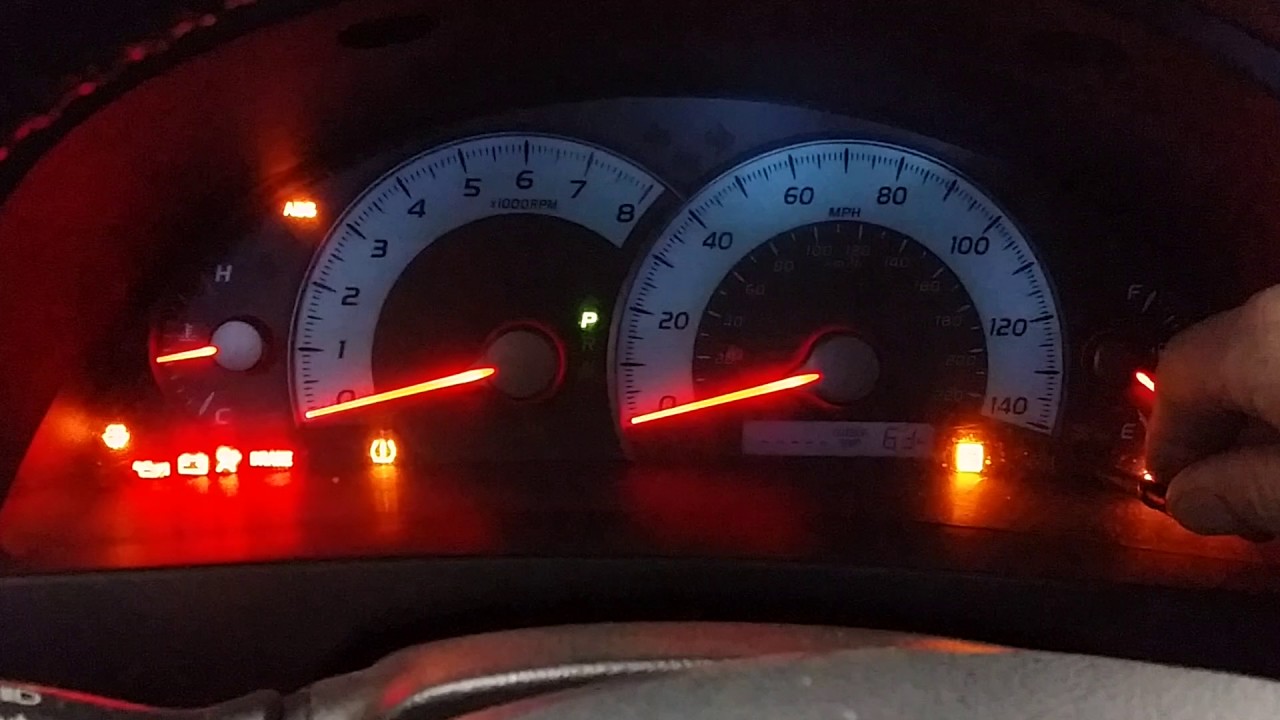
The odometer button is usually easy to spot. Look near the dashboard area. It’s often located on the instrument panel. The button is small and round. It might have a “Trip” label on it. Make sure you press the correct button.
Check Instrument Panel
The instrument panel is your guide. It’s where all the car’s gauges are. Locate the speedometer and fuel gauge. The odometer button is often nearby. Use a flashlight if needed. Visibility can be challenging at times. Once found, you’ll be ready for the next step.
Resetting The Maintenance Light
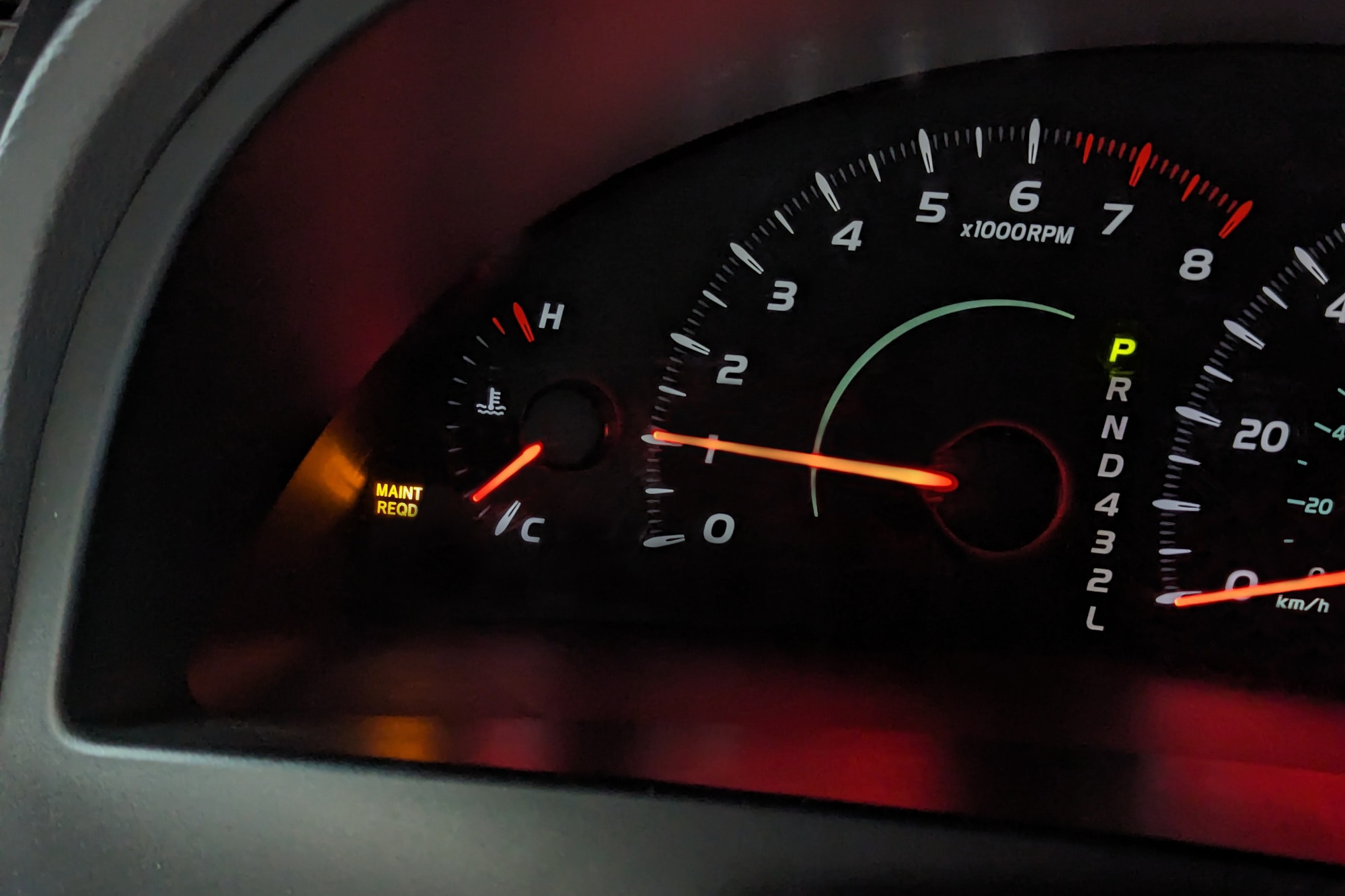
Resetting the maintenance light on a 2011 Toyota Camry is simple. Turn the key to the “on” position without starting the engine. Press and hold the odometer reset button until the maintenance light flashes, then release.
Resetting the maintenance light on your 2011 Toyota Camry is simple. This light reminds you of scheduled maintenance like oil changes. It’s crucial to reset it after servicing to ensure accurate future notifications. Follow these steps to reset the light easily. Keep your Camry running smoothly and avoid unnecessary alarms.Turn Ignition To On Position
Start by inserting the key into the ignition. Turn the ignition to the “On” position without starting the engine. This ensures the dashboard is active. Look at the display panel, checking that all lights are visible. This step prepares the system for resetting.Hold Odometer Button
Locate the odometer button on your dashboard. Press and hold this button firmly. Keep it pressed for a few seconds. Holding the button triggers the reset process. Your odometer display may change during this step. Stay focused on pressing the button.Monitor Light Flashing
Watch the maintenance light closely. It should begin flashing after holding the button. Flashing indicates the reset sequence is successful. Continue holding the button until the light stops flashing. Once it’s off, release the button. Your maintenance light is now reset.Verify Light Reset
Resetting the maintenance light on your 2011 Toyota Camry is crucial. Once you reset it, verifying the reset is equally important. It ensures the light won’t distract you again. Follow these steps to confirm the light is off.
Turn Off And Restart Vehicle
First, turn off the vehicle completely. Ensure the key is out of the ignition. Wait for a few seconds. Then, restart the car. This step helps reset the car’s system. It’s like giving your vehicle a fresh start.
Check Maintenance Light Status
Look at the dashboard for the maintenance light. Ensure it remains off after restarting. If it’s still on, repeat the reset process. Sometimes, it might need another attempt. Ensure the light stays off during your drive. This indicates a successful reset.
Troubleshooting Tips
Resetting the maintenance light on a 2011 Toyota Camry can seem tricky. But with the right tips, it becomes easier. Sometimes, the light doesn’t reset on the first try. This section offers troubleshooting advice to ensure success. Follow these steps for a smoother experience.
Repeat Steps If Necessary
Sometimes the maintenance light doesn’t reset immediately. In this case, repeat the steps. Turn the key to the “ON” position. Press the odometer button and hold it. Turn the key off while holding the button. Then turn the key back to “ON”. This might solve the problem.
Consult Owner’s Manual
If repeating steps doesn’t work, check the owner’s manual. The manual offers detailed instructions. It might contain specific steps for your model. Follow the guidance in the manual carefully. This can help avoid common mistakes.

Credit: www.reddit.com
When To Seek Professional Help
Sometimes, resetting the maintenance light on your 2011 Toyota Camry might not work. Certain issues require professional help. It’s vital to know when to consult an expert. This ensures your car functions smoothly and safely.
Persistent Light Issues
The maintenance light may remain on even after reset. This might indicate deeper issues. A professional mechanic can diagnose the problem. They have tools and expertise to identify hidden faults. A persistent light could signal a malfunction. Ignoring it might lead to bigger issues. Timely professional help can prevent costly repairs.
Complex Electrical Problems
Sometimes, the problem isn’t with the light itself. Electrical systems in cars can be intricate. If there are wiring issues, a professional is needed. They can safely handle electrical components. Attempting repairs without knowledge can cause damage. Professionals ensure all systems work correctly. They help maintain your car’s longevity and safety.
Credit: www.youtube.com
Frequently Asked Questions
How Do I Reset The Maintenance Light On A 2011 Camry?
To reset the maintenance light on a 2011 Camry, turn the ignition to the “ON” position. Press and hold the trip meter reset button until the display shows zeros. The maintenance light will reset. Ensure the car is off before starting the process.
How To Reset Toyota Camry Maintenance Required Light?
Turn the ignition to “ON” without starting the engine. Press the trip meter reset button until “ODO” displays. Turn the ignition off. Hold the reset button while turning the ignition to “ON” again. Release when the maintenance light disappears. This resets the Toyota Camry maintenance required light successfully.
What Does Maintenance Required Light Mean On A 2011 Toyota Camry?
The maintenance required light on a 2011 Toyota Camry indicates it’s time for an oil change or routine service. This reminder is triggered based on mileage. Check your owner’s manual for specific service intervals and visit a qualified mechanic to maintain optimal vehicle performance.
Regular maintenance ensures longevity and reliability.
How To Turn Off Maintenance Required Light On Toyota Camry 2010?
To reset the maintenance required light on a 2010 Toyota Camry, turn the ignition switch to the “ON” position. Press and hold the trip meter reset button. Turn the ignition off, then back on. Release the button after the light resets.
Conclusion
Resetting the maintenance light on your 2011 Toyota Camry is simple. Follow the steps carefully, and the light will go off. This helps keep your car in good condition. Regular maintenance is important for safety and performance. Don’t ignore the light for too long.
It’s a reminder to check your vehicle’s health. Stay alert and keep your Camry running smoothly. Save time and money by maintaining your car well. Enjoy a safer and more reliable drive every day.

Ethan Montgomery is the administrator of carweldhub.com and an expert in the automotive industry. With hands-on experience in welding and a deep understanding of automotive parts and accessories, Ethan brings a wealth of practical knowledge to his work. His passion for the automotive field extends to blog writing and editing, where he shares valuable insights and tips with enthusiasts and professionals alike. Whether you’re looking for detailed technical advice or the latest trends in automotive technology, Ethan’s expertise makes him a trusted resource in the automotive community.