How to Put Gotrax Scooter in Pairing Mode: Easy Guide
Have you ever felt the excitement of unboxing your new Gotrax scooter, only to be puzzled by how to get it connected to your device? You’re not alone!
Figuring out the pairing mode can sometimes feel like unlocking a secret level in a game. But fear not, because you’re about to discover just how easy it is to connect your Gotrax scooter and unlock its full potential. Imagine cruising around effortlessly while having all the controls right at your fingertips.
This guide will show you step-by-step how to put your Gotrax scooter in pairing mode, so you can hit the road with confidence and freedom. Keep reading, because knowing this simple trick will transform your riding experience, and you won’t want to miss out on the tips that make it all possible.
Preparing Your Gotrax Scooter
Before pairing your Gotrax scooter, ensure it’s ready for the process. Proper preparation ensures a smooth and seamless pairing experience. Follow these steps to get your scooter set for pairing mode.
Checking Battery Levels
Start by checking the battery levels of your Gotrax scooter. A well-charged battery is crucial for a successful pairing. Look at the battery indicator on the scooter. Ensure it has sufficient charge. Ideally, the battery should be more than 50% charged. If needed, plug in your scooter to charge it.
Ensuring Power Is Off
Make sure the power is off before entering pairing mode. Locate the power button on your scooter. Press and hold it until the scooter turns off. This step prevents any accidental activation during the pairing process. Double-check that all lights are off.

Credit: gotrax.com
Activating Pairing Mode
Activating the pairing mode on your Gotrax scooter is essential. It allows you to connect your scooter to your smartphone. This connection lets you unlock smart features and enhance your ride. Follow the steps below to easily activate pairing mode on your scooter.
Locating The Pairing Button
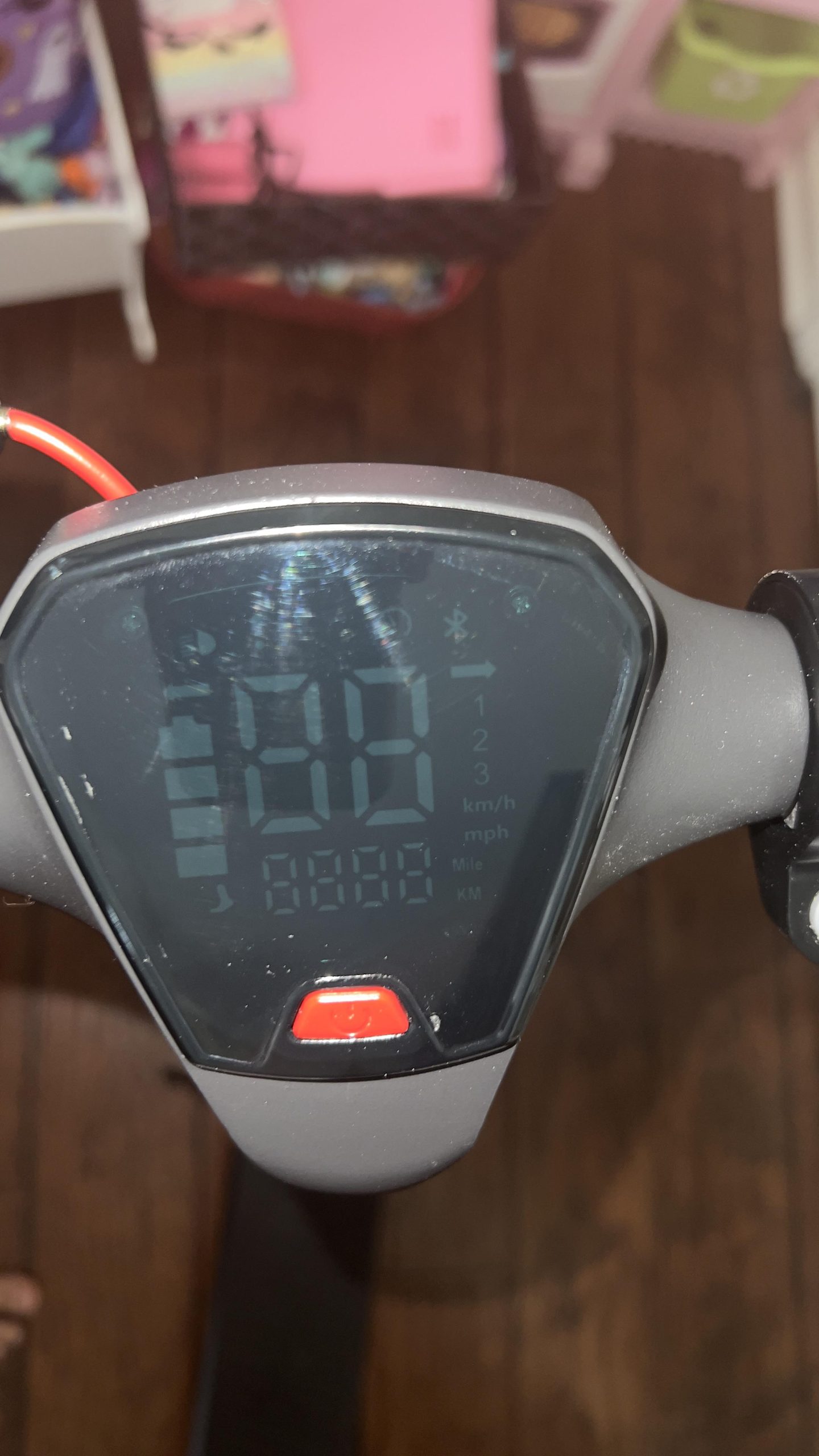
First, find the pairing button on your scooter. It’s usually near the handlebar or the display screen. The button might be labeled with a Bluetooth symbol. Check the user manual if you’re unsure about its location. Identifying this button is crucial for the next steps.
Steps To Enter Pairing Mode
Press the pairing button. Hold it for about three seconds. Look for a blinking light or sound. This signals that the scooter is now in pairing mode. Open your smartphone’s Bluetooth settings. Search for available devices. Your scooter should appear on the list. Select it to establish the connection.
Once connected, explore the smart features. Monitor battery levels, adjust settings, or track your rides. Ensure your phone remains close to the scooter during pairing. This guarantees a stable connection. Keep these steps handy for future reference.
Connecting To A Device
To put your Gotrax scooter in pairing mode, ensure the scooter is turned off. Press and hold the power button until the LED lights blink. This indicates the scooter is ready to connect.
Connecting your Gotrax scooter to a device is essential for unlocking its full potential. Whether you want to track your ride, adjust settings, or monitor battery life, pairing your scooter with a device can enhance your riding experience. But how exactly do you get your Gotrax scooter into pairing mode? Let’s dive into the process and ensure you get connected with ease.Using The Gotrax App
To start, download the Gotrax app from the App Store or Google Play. It’s a straightforward process, much like downloading any other app. Once installed, open the app and register your scooter. The app provides a seamless interface for connecting your device to the scooter. Make sure Bluetooth is enabled on your phone. The app will guide you through the pairing process step-by-step. It’s as easy as following a recipe—just follow the prompts on the screen. Have you ever wondered how technology can simplify your life? The Gotrax app is a perfect example, transforming complex tasks into simple actions. Imagine the excitement of seeing your scooter data on your phone screen for the first time.Manual Connection Process
If apps aren’t your thing, there’s always a manual way to connect. Turn on your Gotrax scooter and enable Bluetooth on your device. Look for the scooter’s ID in the list of available devices. Select the scooter and wait for the connection. This process might remind you of pairing your wireless headphones. It’s straightforward and effective. If the app seems daunting, this method is a reliable alternative. Consider this: Have you ever tried connecting multiple devices at once, only to end up in a tangled mess of signals? Manual pairing ensures you focus solely on your scooter, minimizing potential connection hiccups. Connecting your Gotrax scooter to a device doesn’t have to be a daunting task. With both app and manual options, you have the flexibility to choose what works best for you. Ready to make your ride smarter and more efficient? Grab your phone and start pairing!Troubleshooting Common Issues
To put your Gotrax scooter in pairing mode, start by turning on the scooter. Then, press the power button twice quickly. This will activate the Bluetooth pairing mode, allowing you to connect your device easily.
Troubleshooting common issues while putting your Gotrax scooter in pairing mode can be frustrating. You’ve decided to take a ride and suddenly, the scooter won’t connect. You’re not alone. Many scooter enthusiasts face these hiccups. Addressing them head-on can save you time and ensure your scooter’s ready when you are.Pairing Mode Not Activating
Sometimes, your Gotrax scooter may refuse to enter pairing mode. This could be due to various reasons. Ensure your scooter’s battery is sufficiently charged. A low battery can prevent pairing mode from activating. Double-check the manual for the pairing instructions. It’s easy to overlook a step. If the manual isn’t clear, try searching for a tutorial online. Many users share their experiences and solutions. If the issue persists, consider resetting your scooter. A simple reset often resolves minor technical glitches. Remember, technology can be temperamental. A fresh start might just be what it needs.Connection Failures
You’ve activated pairing mode, but the connection still fails. This could be due to interference from other devices. Move your scooter to an area with fewer electronic gadgets. Check your smartphone’s Bluetooth settings. Ensure it’s visible to other devices. Sometimes, a quick toggle of the Bluetooth switch solves the problem. Think about the environment. Are you in a crowded area? Sometimes, too many signals can disrupt the connection. Try pairing in a quieter location. Ever tried pairing your scooter in a hurry? Slow down and be patient. Rushing can lead to mistakes. Take your time and follow the steps carefully. In the end, troubleshooting is all about patience and persistence. Every scooter is unique, and yours might need a little extra attention. Remember, you’re building a relationship with your scooter, and like all relationships, it requires understanding and care.Maintaining Connectivity
Ensuring your Gotrax scooter stays connected is crucial for a smooth ride. Connectivity issues can lead to interruptions, affecting your experience. Knowing how to maintain stable connections is essential for uninterrupted journeys.
Regular Software Updates
Keep your scooter’s software up-to-date for optimal performance. Updates often fix bugs that can cause connectivity issues. Check for updates regularly to ensure your device runs smoothly. This can prevent unexpected disruptions during rides.
Tips For Stable Connections
Place your scooter and phone close when pairing. Avoid areas with too many devices that can interfere with the signal. Try restarting your phone if connections drop. This simple step often resolves issues quickly.
Ensure your phone’s Bluetooth is always on. Sometimes, turning it off and on can stabilize connections. Check for interference from other electronic devices. This might help improve your connectivity.

Credit: www.tiktok.com

Credit: www.tiktok.com
Frequently Asked Questions
How To Put An Electric Scooter In Pairing Mode?
Turn on your electric scooter. Press the Bluetooth button or follow the user manual instructions. Ensure your smartphone’s Bluetooth is activated. Search for the scooter on your device. Select the scooter to connect. Wait for the pairing confirmation, then enjoy your ride.
Follow these steps for seamless connectivity.
How Do I Pair My Gotrax Hoverboard With Bluetooth?
Enable Bluetooth on your device. Turn on the GOTRAX hoverboard. Search for devices on your phone. Select the hoverboard’s Bluetooth name to pair. Enjoy your music through the hoverboard speakers.
How To Turn On Bluetooth On Gotrax Apex Pro?
To turn on Bluetooth on the GOTRAX Apex Pro, power on the scooter. Enable Bluetooth on your device. Open the GOTRAX app and connect. Ensure both devices are within range for a successful connection.
How Do I Change The Mode On My Gotrax Scooter?
Press the power button twice to change modes on your GOTRAX scooter. The display will show the current mode.
Conclusion
Setting your Gotrax scooter to pairing mode is simple. Just follow the steps. Make sure your scooter is charged. Check for Bluetooth compatibility on your device. Hold the power button until it blinks. Pair it with your smartphone. Enjoy a seamless ride experience.
Pairing enhances control and convenience. Now you’re ready for the road. Always ride safely. Regular checks keep your scooter in top shape. Share your experience with friends. Riding scooters can be fun and efficient. Explore new places with ease. Stay safe, and happy riding!

Ethan Montgomery is the administrator of carweldhub.com and an expert in the automotive industry. With hands-on experience in welding and a deep understanding of automotive parts and accessories, Ethan brings a wealth of practical knowledge to his work. His passion for the automotive field extends to blog writing and editing, where he shares valuable insights and tips with enthusiasts and professionals alike. Whether you’re looking for detailed technical advice or the latest trends in automotive technology, Ethan’s expertise makes him a trusted resource in the automotive community.